
Every module in ArchiOffice has a search function you can use to locate records matching specific search criteria. The Invoice Search Request screen allows you to perform a search for an invoice using any combination of criteria.
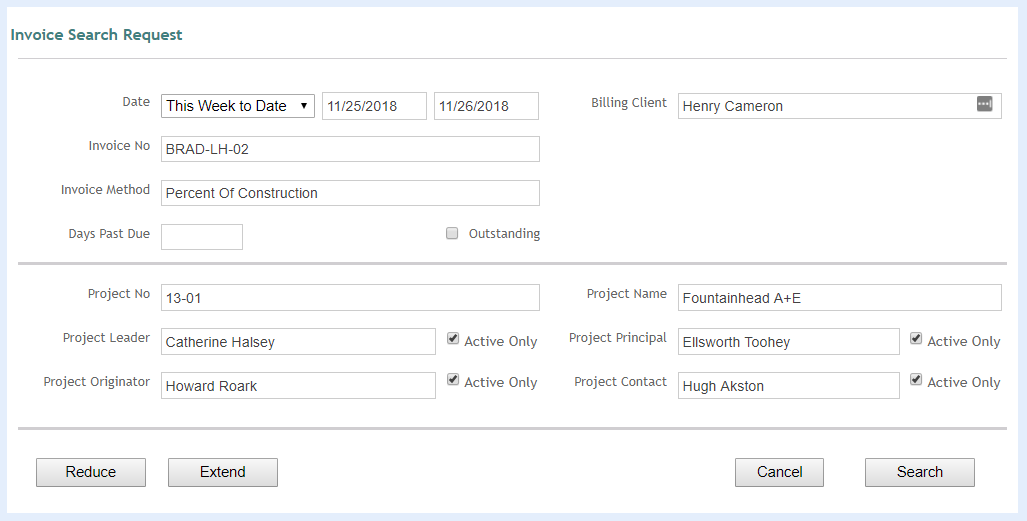
Reduce:
Remove additional search criteria.
Extend:
Adds additional search criteria.
Cancel:
Cancels you out of your search.
Search:
Click to execute the search after entering your search criteria. Keep in mind that the search will return a Found Set, and you can enter as many Search Requests as necessary before executing the Find.
Active Only:
Mark this check box to retrieve only those invoices that are associated with active project leaders, originators, principals or contacts.
Button Panel
Help:
Opens the ArchiOffice Help in the Search section.